Open a part or assembly
Start with the 3D model you already work with in Autodesk Inventor.
For mechanical engineering teams
We build automation around the Inventor tasks your team repeats, from configuring parts and assemblies to preparing drawings, bills of materials and manufacturing exports.
Which tasks would you like to speed up in Autodesk Inventor? We’ll help you find out what you can automate in your workflow.
The challenge
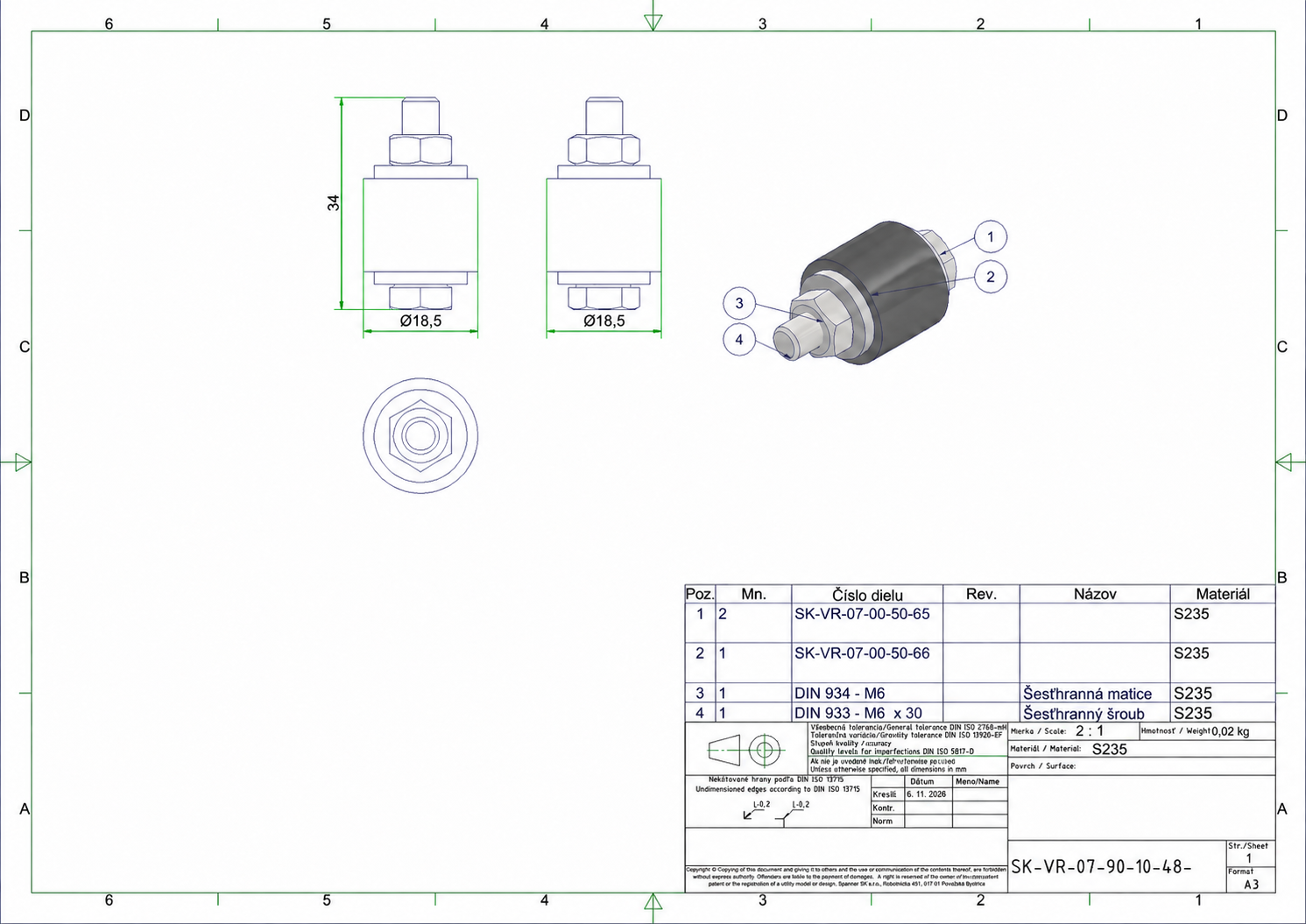
Once the 3D model is ready, the engineering team prepares or updates the documentation and exports files in the formats production needs. On assemblies with many parts, that work adds up.
Preparing documentation for parts and assemblies by hand
Updating documentation after model changes
Inconsistent documentation across projects
Saving and exporting files one at a time
How it works
DraftMate uses iLogic within Autodesk Inventor. It prepares the outputs you select from the model so you can review them before handing them over to production.
Start with the 3D model you already work with in Autodesk Inventor.
DraftMate handles repetitive steps in preparing documentation or exporting files.
Check that the documentation meets project and manufacturing requirements.
We develop custom iLogic automation around your models, templates and the tasks your team repeats.
Change dimensions and parameters, enable or suppress features and components, and build model variants from a shared design.
Update document properties, prepare drawings and parts lists, and export manufacturing files in the formats your team needs.
Give engineers a form for entering values or running tasks. Set actions to run at the right moment, such as when a parameter changes or a document is saved.
Benefits
Reduce the time spent on repetitive tasks, especially on assemblies with multiple parts.
Prepare selected outputs for parts in an assembly in one batch.
Use the same process to produce consistent documentation across projects.
Shorten the time between completing the model and delivering files to production.
Give engineers more time for design decisions and technical review.
Automate documentation within the workflow your team already uses.
Who it’s for
DraftMate is for teams that design parts and assemblies in Autodesk Inventor and regularly turn those models into manufacturing documentation.
Demo
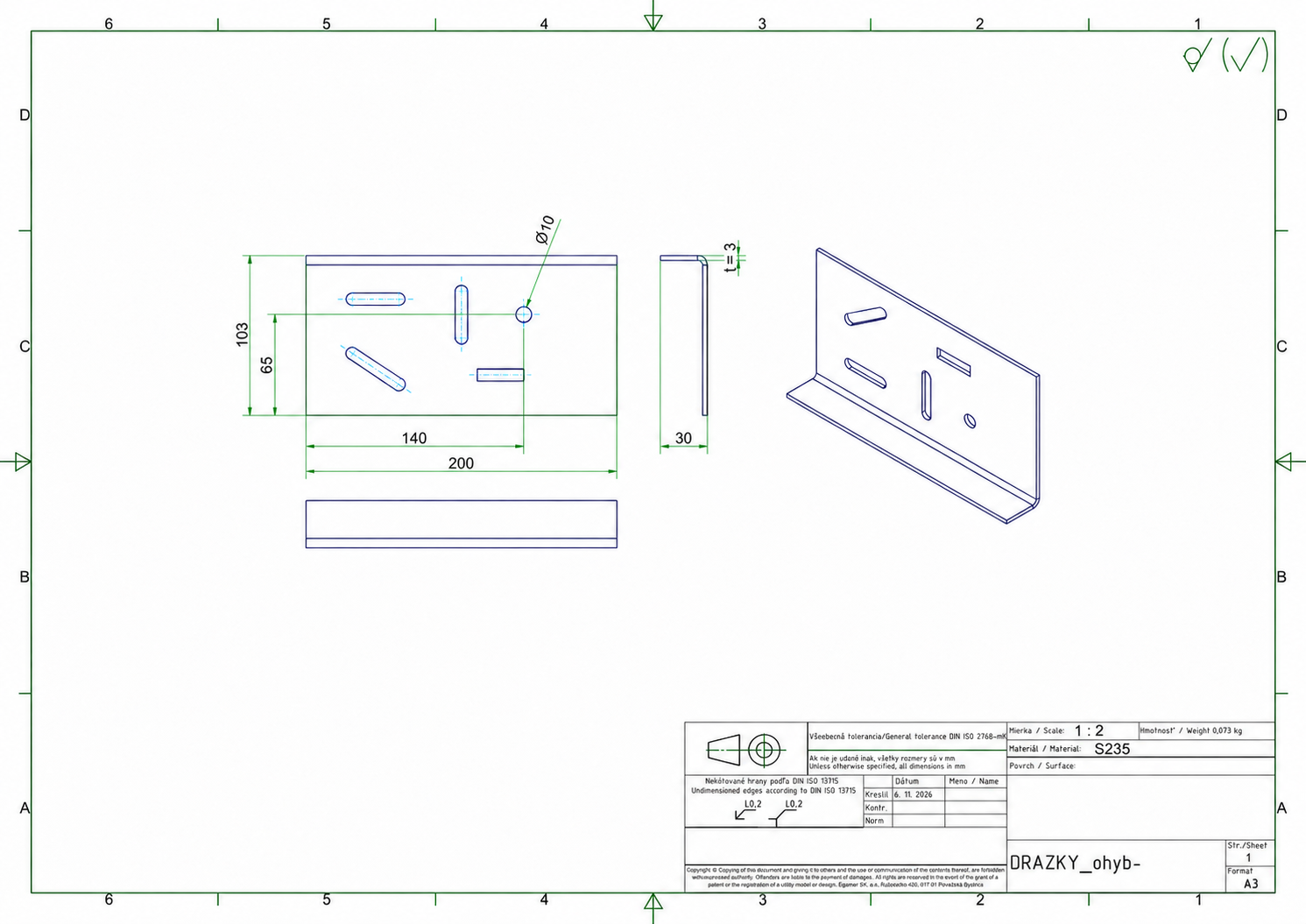
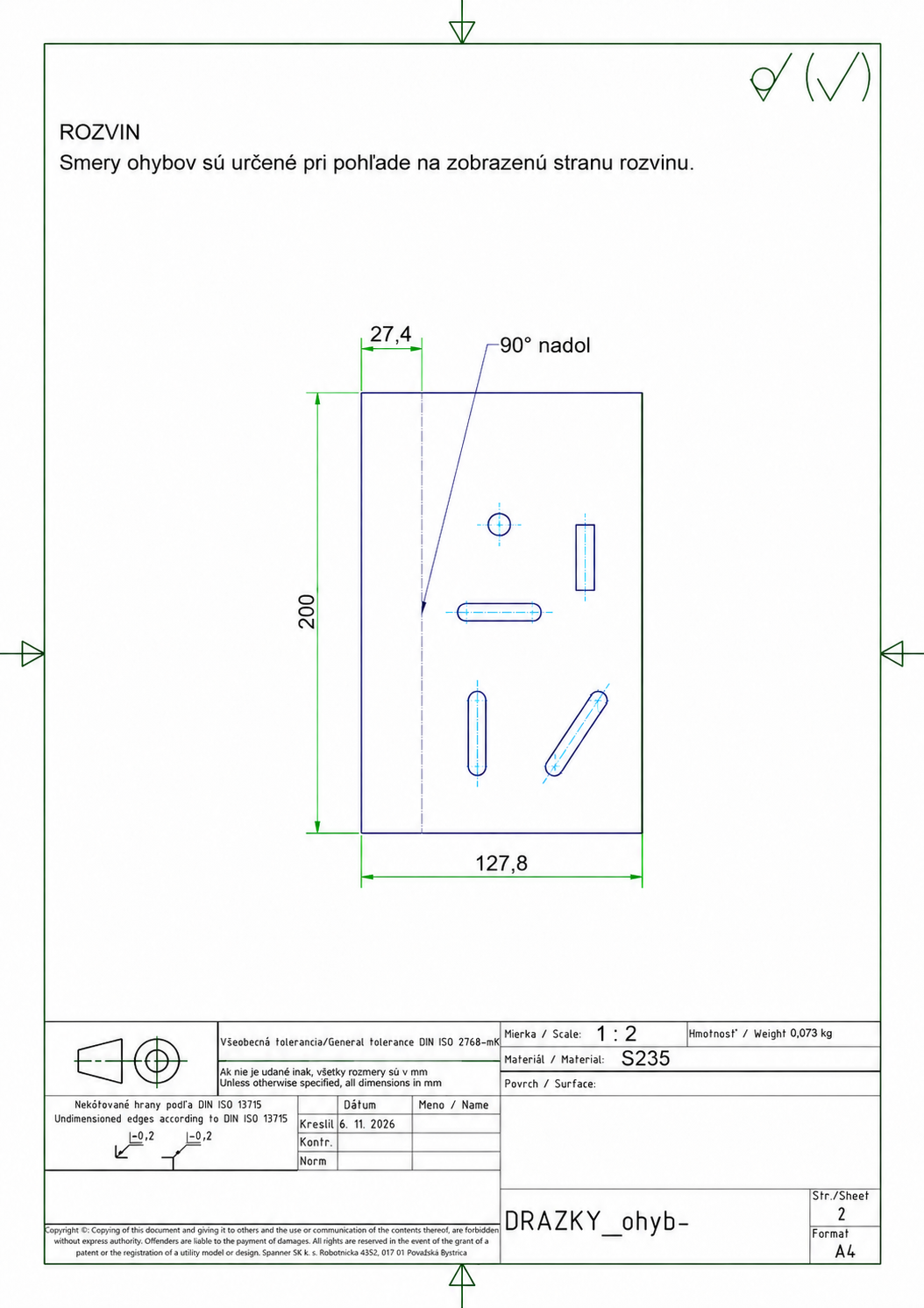
Starting with a 3D sheet metal model, DraftMate creates a part drawing and a flat-pattern sheet. The workflow shown in the video runs without a single click from the engineer.
The engineer can review the drawing and flat pattern before handing them over to production. The flat pattern can also be exported as a DXF file.
Tell us what you’d like to automateContact
Describe your workflow and the result you need. We’ll get back to you to discuss how we can help.